


Mercury’s Guardian System: How It Protects Your Engine
- Quick Troubleshooting Checklist (If You're On The Water Now)
- Guardian Mode Alarm Sounds and What They Mean
- Common Guardian Mode Triggers
- MAP Sensor: The Common Misdiagnosis
- Reading Fault Codes with Diagnostic Tools
- Step-by-Step Guardian Mode Reset
- Preventing False Guardian Alarms
- Common Fault Codes Linked to Guardian Mode
- Tools You'll Need For DIY Diagnosis
Guardian Mode kicks in when your Mercury outboard's computer detects something wrong enough to damage the engine. You'll hear a continuous beep, and the engine drops power – sometimes dramatically. This guide covers how to diagnose what triggered it and get your engine running right again.
This applies to SmartCraft-capable Mercury outboards sold in the US, mainly 40hp and up from 2004 onward. Optimax, FourStroke, and Verado models all use variations of this system.
Quick Troubleshooting Checklist (If You're On The Water Now)
- Stop the engine immediately when you hear the continuous beep
- Check engine oil reservoir – top it off if low
- Look at the tell-tale stream – no stream or weak dribble means cooling issue
- Clear any debris from raw water intakes
- Let the engine cool 10-15 minutes if it was running hot
- Restart and throttle up slowly – if alarm returns, head back to dock
Guardian Mode Alarm Sounds and What They Mean
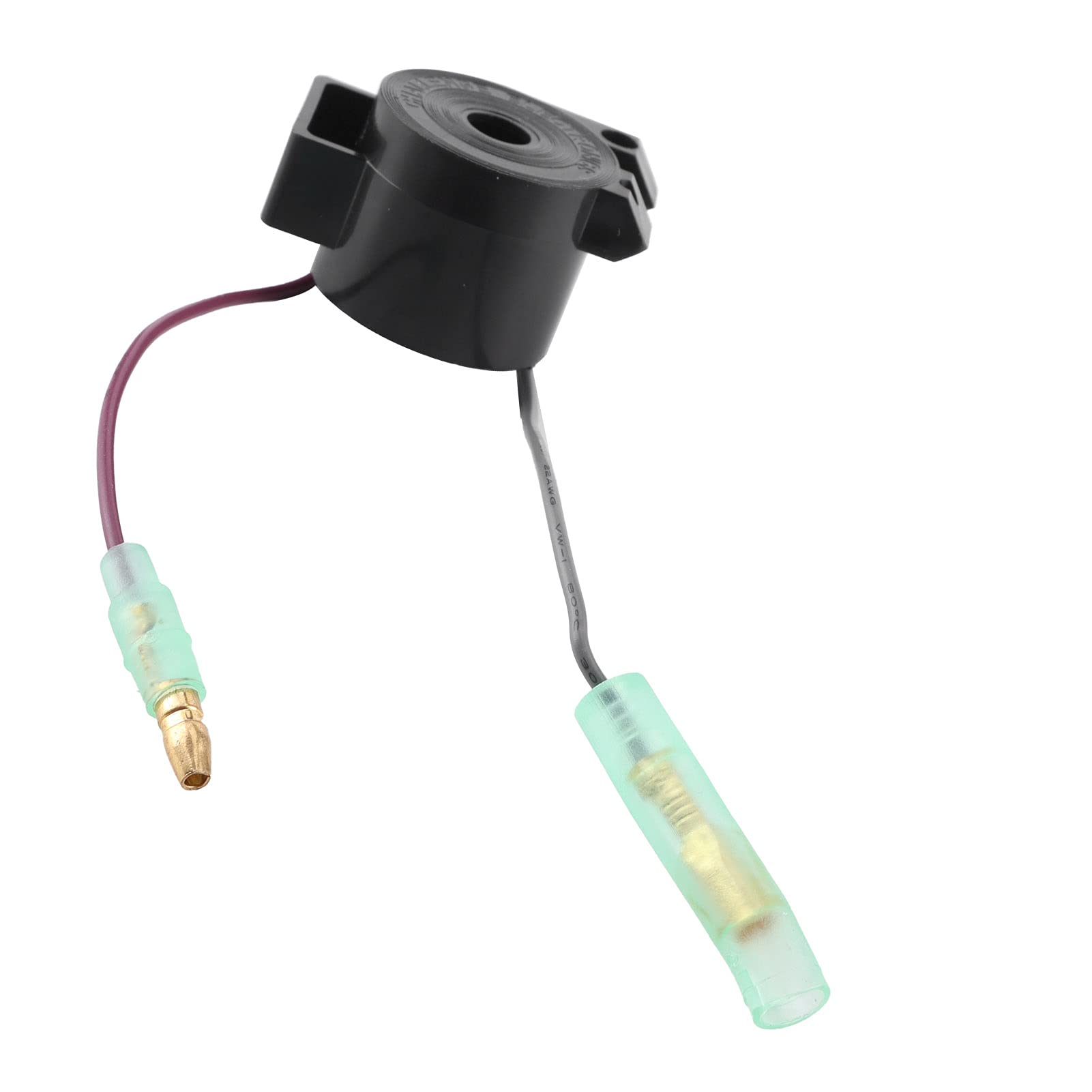
Continuous beep = Guardian Mode is active. The system detected a critical fault and cut power to protect the engine. This is the one you need to take seriously right now.
Four beeps every two minutes = Low oil reserve. Not Guardian Mode yet, but you're close. Top off your oil tank before it becomes a continuous beep.
Other intermittent patterns = Various sensor alerts that may not trigger full Guardian protection but still need attention.
If you have a SmartCraft gauge like MercMonitor or VesselView, you'll see specific fault descriptions alongside these beeps. Without a display, you're working blind – the beep just tells you "something's wrong," not what.
Beep Pattern Reference
| Pattern | Meaning | Guardian Active? |
|---|---|---|
| Continuous | Critical fault detected | Yes – power limited |
| 4 beeps / 2 min | Low oil reserve | No – warning only |
| 3 beeps / varies | Sensor fault (model-specific) | Maybe – check display |
Common Guardian Mode Triggers
Oil System Failures
Oil reservoir critically low: The most straightforward cause. If the main oil tank drops below the critical level, Guardian activates. On 2-strokes like Optimax, this is your pre-mixed oil supply. On 4-strokes, it's crankcase oil monitored by a sensor.
Check the reservoir. If it's low, fill it with Mercury Premium or Premium Plus oil (2-stroke) or 25W-40 marine oil (4-stroke FourStroke/Verado). Don't mix oil types.
Oil tank sensor fault: The sensor itself can fail, especially in saltwater environments. Corrosion on the sensor harness is common. We see this a lot on boats that sit in slips year-round – the connection corrodes, sends a false "low oil" signal, and Guardian kicks in even with a full tank.
Testing requires a multimeter. Disconnect the sensor, check continuity, and compare resistance values to your service manual specs. A shorted or open circuit means replace the sensor.
Oil injection pump failure (2-stroke Optimax): The pump that meters oil into the fuel system can seize or lose prime. When it does, the engine runs without lubrication, and Guardian cuts power immediately to prevent a seized powerhead.
You'll hear the pump tick at idle if it's working – it's a rhythmic clicking from the oil reservoir area. No tick? Pump's dead or stuck. This isn't a DIY fix unless you have experience bleeding oil systems. Most guys take this to a dealer.
Cooling System Problems
Overheating is the second most common Guardian trigger. Your engine's temperature sensor (ECT – Engine Coolant Temperature on 4-strokes, cylinder head temp sensor on 2-strokes) monitors heat, and when it crosses the threshold, Guardian Mode engages.
Cooling faults come from:
-
Blocked raw water intake: Plastic bags, seaweed, mud – anything that blocks the lower unit intakes. Pull the boat out and visually inspect the intake screens. We've pulled entire grocery bags out of intakes before.
-
Failed impeller: The rubber impeller in the water pump wears out. Blades crack, break off, or the whole impeller hardens and stops pumping. If your tell-tale stream is weak or nonexistent at idle but improves slightly with throttle, suspect the impeller. Replace it every 2-3 years or 200 hours, whichever comes first. For detailed replacement steps, you might find our guide on How to Replace a Mercury Outboard Water Pump Impeller helpful.
-
Stuck thermostat: The thermostat can corrode and stick closed, especially in saltwater. The engine overheats even with good water flow. You can test this by removing the thermostat and dropping it in a pot of water on the stove – heat it to the rated temp (usually 140-160°F) and see if it opens. If it doesn't, trash it and install a new one. For assistance, see our article on How to Replace the Thermostat on Your Yamaha F225, F250, or F300.
Tell-tale stream diagnosis: At idle, you should see a strong, steady stream from the tell-tale port. Stick your hand under it – it should feel warm, not scalding hot. If it's spitting steam or the water is too hot to hold your hand under, you're overheating. If there's no stream at all, the pump's not moving water.
On Optimax and older 2-strokes, the cooling system is simpler – raw water directly cools the block. On Verado and FourStroke 4-strokes, there's a closed freshwater cooling loop with a heat exchanger, so the raw water pump feeds the exchanger, not the block directly. Different systems, same problem if water stops flowing.
Fuel System Issues
Guardian doesn't usually trigger directly from fuel problems, but fuel starvation leads to lean running, which causes overheating, which does trigger Guardian.
Clogged fuel filters: We see this constantly. People run old gas, don't use fuel-water separators, or skip filter changes. A clogged filter starves the engine of fuel under load. The engine leans out, cylinder temps spike, and Guardian cuts in.
Replace your primary fuel-water separator element every season or 100 hours. The on-engine filter (if equipped) should be changed at the same interval. Use Racor or Mercury OEM filters – the cheap offshore filters use the wrong micron rating and sometimes collapse under vacuum. You can find suitable filters in our Fuel Filter collection.
Fuel blockages from debris: Those little foil seals inside new fuel tank caps? If they break off, they float around in the tank and eventually get sucked into the pickup. We had a guy last summer with this exact issue – intermittent Guardian Mode at random. Found the foil disk wedged in the pickup tube. Removed it, problem gone.
Fuel pump and prime bulb failures: Electric fuel pumps (common on Optimax and Verado) deliver specific pressure – usually 35-50 psi depending on model. Hook up a fuel pressure gauge to the Schrader valve on the fuel rail and check it. Low pressure means weak pump or a blockage upstream.
Manual prime bulbs can collapse internally. If you pump the bulb and it doesn't stay firm, or it collapses under load, the internal check valves are shot. Replace the bulb – they're $15 and take 5 minutes. You can shop for replacement pumps and bulbs in the Fuel Pump collection.
Shift Cable and Switch Faults (False Neutral Signals)
This one trips people up because it's not obvious. Your outboard has a neutral safety switch that tells the ECU when the engine is in neutral versus gear. If the shift cable is out of adjustment or the shift position sensor fails, the ECU gets confused.
When the computer sees conflicting signals – like "throttle applied but showing neutral" or "in gear but RPM too high for load" – some Mercury systems interpret this as a fault and activate a limp-home mode similar to Guardian. It won't say "overheating," but you'll get the beep and the power cut.
Symptoms of shift faults:
- Shifter feels loose or doesn't click into gear positively
- Engine revs freely in what should be forward or reverse
- Guardian beep with no other obvious cause (no overheat, oil is full)
Testing the shift switch: You need a multimeter and your service manual. The switch is usually on the starboard side of the gearbox, near the shift shaft. Disconnect the harness, check continuity in neutral versus forward versus reverse. The manual lists the resistance values for each position. If the readings are off or erratic, replace the switch.
Adjusting shift cables: Loosen the cable adjustment barrel (usually at the engine's shift bracket), manually move the shift shaft to neutral, and re-tighten the cable so the shifter lever and the actual gearbox position match. This is finicky work – if the cable is old and corroded, just replace it instead of fighting the adjustment.
Saltwater boaters: shift cables corrode faster. Inspect yours every season and grease the linkage points.
MAP Sensor: The Common Misdiagnosis
The MAP sensor (Manifold Absolute Pressure) measures air pressure in the intake to calculate air-fuel ratios. A bad MAP sensor does NOT directly cause Guardian Mode. I need to say that again because forums are full of people conflating the two.
What a faulty MAP sensor does cause:
- Rough idle
- Hesitation or stumble on acceleration
- Poor fuel economy
- Specific fault codes (usually P0105 to P0109 range)
These symptoms make the engine run poorly, and if the engine runs poorly enough, it might overheat or create secondary conditions that trigger Guardian. But the MAP fault itself won't throw the continuous beep and power cut.
We see people replace MAP sensors chasing a Guardian alarm, and the alarm comes right back because the real issue was a stuck thermostat or low oil. Don't fall into that trap.
Testing the MAP sensor: Use a scan tool to read live data. At key-on, engine-off, the MAP sensor should read close to atmospheric pressure (around 14.7 psi at sea level, lower at altitude). At idle, it drops to 8-10 psi. If the reading is stuck, erratic, or way off, the sensor's bad. They're usually located on the intake plenum and held in with two screws or a twist-lock.
Reading Fault Codes with Diagnostic Tools
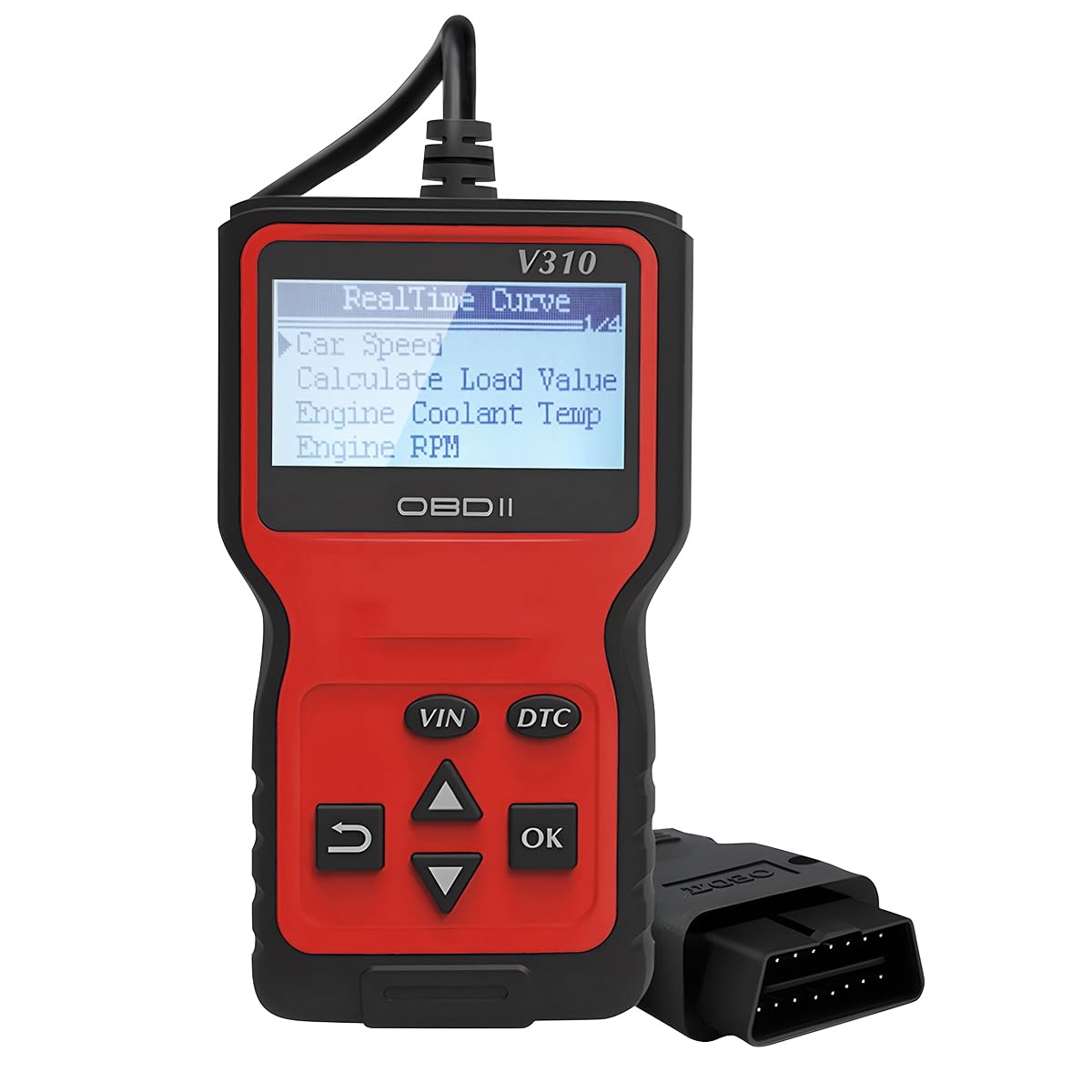
You can't troubleshoot Guardian Mode effectively without a scan tool. The continuous beep tells you there's a problem, but it doesn't tell you what the problem is unless you have a SmartCraft display or a scanner.
Tools that work:
- Mercury Computer Diagnostic System (CDS G3): This is the dealer-level software. It reads everything, live data, stored codes, event history. You won't own this unless you're a shop.
- Rinda Technologies TechMate or TechMate Pro: Popular aftermarket scanner that works with Mercury SmartCraft. Reads codes, clears codes, shows live sensor data.
- VesselView Mobile: Mercury's consumer-level app that pairs via Bluetooth adapter. Limited compared to CDS, but it reads most codes and shows basic data. Good enough for DIY diagnostics on newer engines.
What codes mean: When you pull a code, you get a number (like P0118 or C1234) and a description. P-codes are powertrain (engine-related), C-codes are communication faults. For example:
- P0118: Engine Coolant Temperature sensor high – likely overheating or bad ECT sensor
- P0523: Oil pressure sensor high – sensor fault or actual high pressure issue
- C2000: Lost communication with shift module – shift system fault
The code tells you where to start looking. Cross-reference it with your service manual or Mercury's online code database.
Limitations: If someone disconnected the battery or cleared codes before you scanned, you're out of luck. Erased codes are gone unless the fault happens again. Some critical codes require dealer-level tools to access – CDS can see things VesselView can't.
Step-by-Step Guardian Mode Reset
You've identified the problem. Now you need to clear the alarm and get the engine running normally again.
Optimax vs. FourStroke/Verado Reset Differences
2-stroke Optimax: Oil system faults reset once oil is refilled and the system re-primes. Cooling faults reset when temp drops and you throttle to idle. The ECU on Optimax is simpler – less digital throttle interaction.
4-stroke FourStroke/Verado: These have digital throttle systems (DTS on Verado) that require more precise reset procedures. A "hard reset" sometimes means cycling the master power switch, not just the ignition key.
SmartCraft Reset vs. Analog Ignition Reset
SmartCraft-equipped engines (with digital displays):
- Address the fault (refill oil, clear blockage, etc.)
- Turn ignition key to OFF
- Wait 30 seconds
- Turn ignition to ON (don't start yet)
- Check display – fault should clear if issue is resolved
- Start engine, let idle for 2 minutes
- Slowly advance throttle – alarm should not return
Analog ignition (older engines, no SmartCraft display):
- Fix the underlying problem
- Turn master battery switch OFF (if equipped) or disconnect battery negative terminal
- Wait 1-2 minutes for ECU to fully power down
- Reconnect power
- Turn key to ON, start engine
- Idle, then test throttle
Critical note: If the fault is still active (engine is still overheating, oil is still low), the ECU will not let you reset Guardian. The system physically cannot clear until the monitored parameter returns to safe range. On most engines, this means coolant temp below 180-200°F or oil pressure above 15 psi at idle.
When To Take It To A Dealer
If you've:
- Refilled oil and cleared intakes
- Scanned for codes and found none or codes you don't understand
- Attempted reset multiple times and alarm keeps returning
- Found a code that requires reprogramming (reflash codes, injector codes on Optimax)
…then it's dealer time. Some faults need Mercury's proprietary software to resolve. Dealer labor is expensive, but it's better than guessing and replacing parts.
Preventing False Guardian Alarms
Most Guardian activations are preventable with basic maintenance.
Oil and sensor checks: Before every trip, glance at your oil reservoir. It takes 10 seconds. Once a month, inspect the oil sensor wiring for corrosion, especially the connector. Spray it with dielectric grease if you're in saltwater.
Fuel system maintenance and filtering: Replace your fuel-water separator element every season, no exceptions. If you boat in areas with questionable fuel quality (older marinas, remote areas), carry a spare filter element on board. Install a clear-bowl separator so you can see water accumulation before it becomes a problem.
We like Racor 500-series separators – they're bulletproof. The cheap inline filters from the auto parts store don't cut it in marine environments. Find quality marine fuel-water separators in the Fuel & Induction collection.
Shift cable inspection: Pull the engine cowl once a year and manually move the shift linkage while someone operates the shifter at the helm. It should move smoothly with no binding. If you feel grinding or the cable doesn't return to neutral cleanly, replace it before it fails completely.
For saltwater boats, grease the shift cable ends and linkage pivots every 6 months. Use waterproof marine grease, not the lithium stuff from the hardware store.
Impeller replacement schedule: Don't wait for the impeller to fail. Change it every 200-300 hours or every 3 years. Mark the date on the lower unit with a paint pen so you remember. Impellers are $30-60 depending on model. A new powerhead from overheating is $8,000+. Browse replacement impellers in our extensive Cooling System collection.
Thermostat service: Remove and inspect the thermostat every 3-4 years. Drop it in boiling water – if it doesn't open, replace it. If it's corroded or has buildup, replace it even if it opens. They're cheap insurance.
Common Fault Codes Linked to Guardian Mode
Based on shop experience, these are the codes we see most often when Guardian Mode is active:
- P0217: Engine coolant over-temperature – direct overheat trigger
- P0524: Engine oil pressure low – critical oil pressure fault
- P0335: Crankshaft position sensor fault – can cause limp mode similar to Guardian
- P0562: System voltage low – weak battery or alternator; can cause erratic Guardian behavior
- C1500: Oil reservoir level sensor low – pre-Guardian warning on 2-strokes
If you pull any of these, address them immediately.
Tools You'll Need For DIY Diagnosis
- Multimeter (digital, capable of resistance/continuity checks)
- Fuel pressure gauge with Schrader valve adapter (0-100 psi range)
- Infrared thermometer (to check actual cylinder head temps vs. sensor reading)
- Flathead and Phillips screwdrivers (marine-grade stainless)
- Ratchet set (3/8" drive, 8mm-19mm sockets)
- Scan tool (VesselView Mobile minimum, Rinda TechMate preferred)
If you don't have these, borrow them or buy them. Guessing at Guardian faults without tools wastes time and money.
Pro tip: Run fresh water through your engine's cooling system after every saltwater trip. Connect a flush adapter to the lower unit intakes, let it run at idle for 10 minutes. This dissolves salt buildup in the cooling passages and keeps your thermostat from seizing.
For premium marine parts and accessories to maintain and repair your Mercury outboard, browse our full range at JLM Marine, your trusted source for direct factory boat parts.
For Mercury Owners:
To assist you in maintaining and repairing your marine engines, we hope the following resources may be of use:
-
Mercury / Mercruiser / Mariner Parts from JLM Marine
- Mercury Thermostat
- Mercury Water Pump
- Mercury Water Pump Impeller
- Mercury Water Pump Impeller Kit
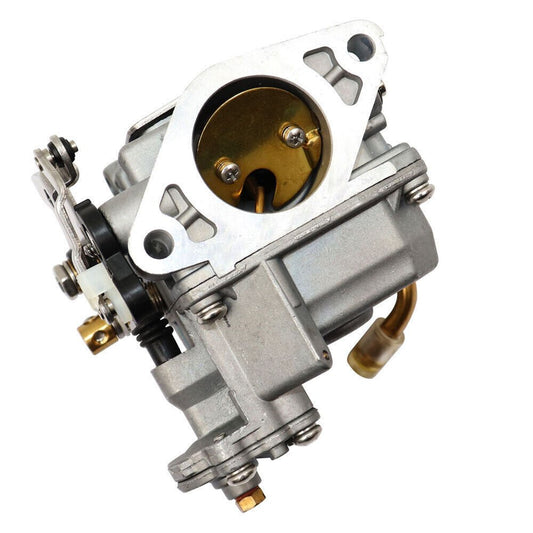
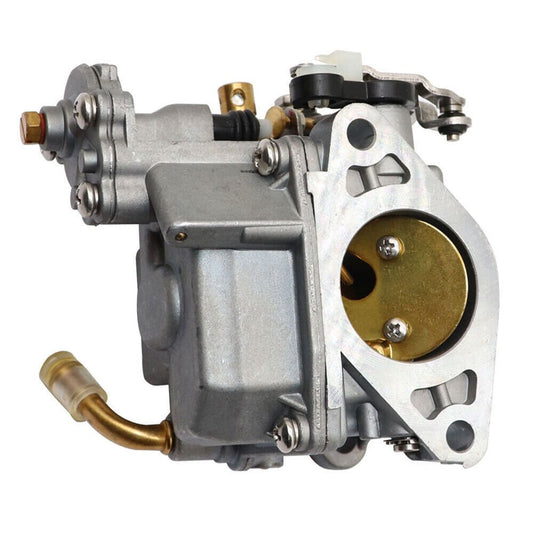
- Mercury Carburetor
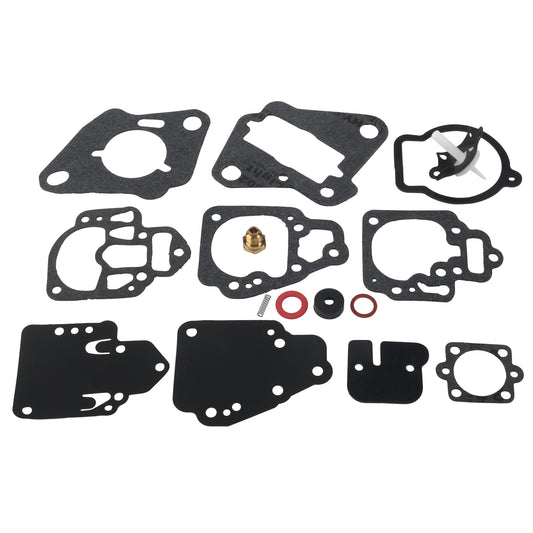
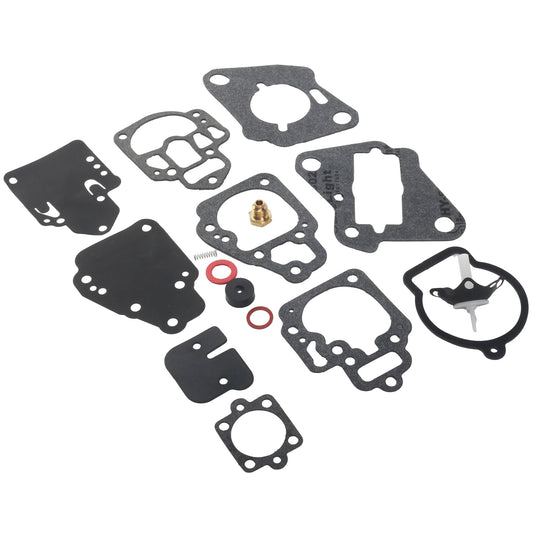
- Mercury Carburetor Repair Kit
- Mercury Fuel Pump
- Mercury Fuel Pump Kit
- Mercury Air Filter
- Mercury Oil Filter
- Mercury Oil Seal
- Mercury Fuel Filter
- Mercury Gasket
- Mercury Relay
- Mercury Ignition Switch
- Mercury Trim Tilt Switch
- Mercury Ignition Sensor
- Mercury Spark Plug Wire
- Mercury Water Distribution Housing
- Mercury Bellow
- Mercury Bellows Kit
- Mercury Serpentine Pulley
- Mercury Accessories
- Mercury Belt
- Mercury Oil Plug
- Mercury Drain Plug
- Mercury Bellows Replacement Tool
About JLM Marine
Founded in 2002, JLM Marine has established itself as a dedicated manufacturer of high-quality marine parts, based in China. Our commitment to excellence in manufacturing has earned us the trust of top marine brands globally.
As a direct supplier, we bypass intermediaries, which allows us to offer competitive prices without compromising on quality. This approach not only supports cost-efficiency but also ensures that our customers receive the best value directly from the source.
We are excited to expand our reach through retail channels, bringing our expertise and commitment to quality directly to boat owners and enthusiasts worldwide.
Mercury Parts on Sale
- $54.00
- $54.00
- Unit price
- per
- $46.00
$55.00- $46.00
- Unit price
- per
- $38.50
- $38.50
- Unit price
- per
- $33.99
$119.00- $33.99
- Unit price
- per
- From $39.13
$45.50- From $39.13
- Unit price
- per
- $18.13
$59.00- $18.13
- Unit price
- per
- $58.60
$70.00- $58.60
- Unit price
- per

- $24.99
$29.00- $24.99
- Unit price
- per

- $45.99
$55.00- $45.99
- Unit price
- per
- $53.50
- $53.50
- Unit price
- per
- $46.50
$60.00- $46.50
- Unit price
- per

- $85.99
$103.00- $85.99
- Unit price
- per

- $23.59
$28.00- $23.59
- Unit price
- per
- $39.89
$45.00- $39.89
- Unit price
- per

- $33.99
$40.00- $33.99
- Unit price
- per

- $34.50
- $34.50
- Unit price
- per
- $54.00
- $54.00
- Unit price
- per

- $21.50
$18.00- $21.50
- Unit price
- per
- $23.50
- $23.50
- Unit price
- per
-
Red
-
Blue
- $54.00
- $54.00
- Unit price
- per